
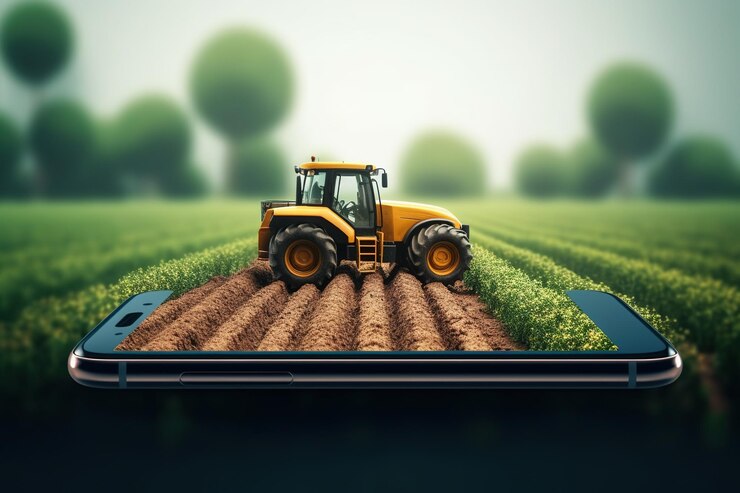
Technology is changing farming fast. Now, you don’t need to buy expensive GPS hardware. You can turn your smartphone into a smart tractor GPS — and the best part is, you can set it up in just a few minutes!
Whether you’re new to farming technology or just trying GPS for the first time, this guide will help you get started with your Tractor GPS App quickly and easily.
Farming is changing fast. Now, your mobile phone can guide your tractor — no need for costly GPS machines. With a Tractor GPS App, you can plan your route, drive in straight lines, and track your work history — all from your smartphone.
Best of all, it’s simple to start. You can download and set up the app in just a few minutes. Let’s show you how.
📱 Open the App Store
🔍 Search for “Tractor GPS App”
📥 Tap “Install” or “Get” to download
⏳ Wait for the app to finish installing
Tap the app icon on your phone screen
Allow location/GPS access when prompted
Choose your preferred language (like Hindi, English, Gujarati, etc.)
Tap on “Create Field” or “Add Field”
You can:
📍 Draw the field boundary on the map, or
🚜 Drive around the edges of your field to mark it
Name your field (e.g., “Wheat Plot”, “North Farm”)
Tap “Save” to store your field in the app
Select your field from the list
Tap “Start Trip” or “Begin Work”
Watch the screen for guiding lines and live tractor position
Follow the lines to ensure accurate, straight driving
Tap “End Trip” when you’re done — the app will save your route
Using a GPS app for your tractor can:
Guide you in straight lines
Reduce fuel and chemical waste
Help you avoid overlap or missed areas
Save time and money
Track trip history automatically
And all of this can be done with just your Android or iPhone — no extra hardware required.
You can set up your Tractor GPS App in less than 5 minutes. No technician needed, no complicated settings.
All you need is:
📱 A smartphone
🚜 A tractor
🌐 Internet
🔋 Keep your phone fully charged before starting
🔒 Turn on your phone’s GPS/location
📱 Use a mobile holder to keep your phone stable in the tractor
☀️ Increase screen brightness during the day
🔄 Clean your screen and restart the app if needed
Go to your phone’s app store and search for Tractor GPS App. Choose one that is simple to use, has clear map visuals, and supports trip history tracking.
Go to your phone’s app store and search for Tractor GPS App. Choose one that is simple to use, has clear map visuals, and supports trip history tracking.
Here’s what you’ll see inside a good Tractor GPS app:
🗺️ Field Boundary Setup
You can create a field by drawing or driving around it. The app will save your field area for future use.
📍 Live GPS Guidance
It shows your tractor’s position on the screen and guiding lines for straight driving.
📁 Trip History
Every path you drive is saved, so you can check where you’ve been and what work you’ve completed.
🌐 Multiple Language Options
Use the app in your preferred language — like Hindi, Gujarati, Marathi, and more — so it’s easier for everyone to understand.
This app is created to be easy and useful for everyone — whether you’re a new farmer or experienced, young or old.
The screen layout is clean. The buttons are large. You don’t need any training to use it. Just install the app, open it, and start driving your tractor — the app will do the rest.
Even if you’ve never used mobile apps for farming before, this one will feel natural from the first use.
Modern farming isn’t about working more — it’s about working smart.
With the Tractor GPS App:
You reduce waste
You finish work faster
You apply fertilizer and seeds evenly
You drive with more confidence
That’s why more and more farmers are choosing mobile-based GPS systems for their tractors.
Keep your phone battery fully charged
Use a good mobile holder so the phone stays stable
Make sure GPS is enabled in your phone settings
Keep your screen brightness high during sunny days
These small steps will give you a better experience during fieldwork.
In just a few minutes, you can turn your phone into a powerful tractor GPS tool. No big cost. No waiting. Just download the app and begin your journey toward smart farming.
Our app is now available on

2024 Tractor GPS All Rights Reserved